Free Tool
Blur Images
Online for Free.
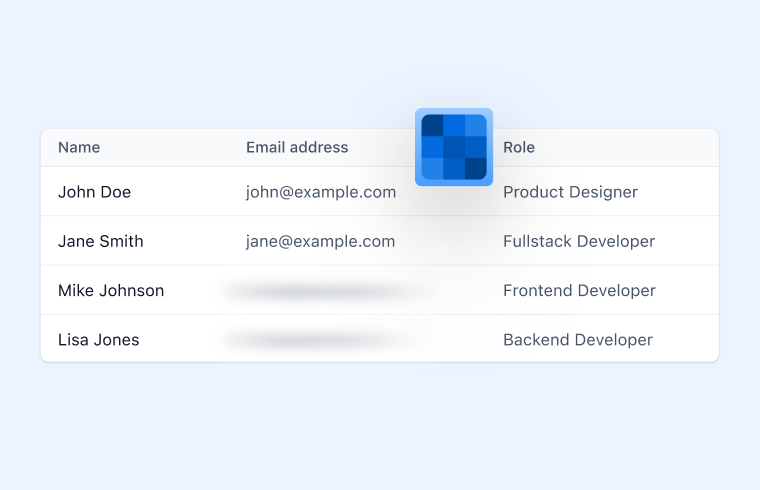
Blur an image before you share it — soften a background or make text unreadable. Runs entirely in your browser.
Free Tool
Blur an image before you share it — soften a background or make text unreadable. Runs entirely in your browser.
Join 5M+ users who rely on Zight to increase their productivity
Free Image Tool
Drag your image here or click to browse
PNG, JPG, WebP, or GIF images
Is this tool working for you? Let us know
How It Works
01
Upload an Image
Drop in the image you want to blur.
02
Set the Blur Strength
Drag the slider until text is unreadable or the background is soft enough.
03
Download
Download the blurred image as a PNG.
Share Safely
Names, emails, and account numbers end up in screenshots constantly. A strong blur makes them unreadable before the image leaves your machine.
FAQ
Yes, completely free. No account or credit card is required.
No. This tool runs entirely in your browser — your files are processed on your own device and never uploaded to a server.
This tool blurs the whole image. For region-by-region blurring and redaction, Zight's desktop app has a full annotation toolkit.
At high blur strengths, no — but for truly sensitive data, cropping or covering it with a solid box is the safest option.
No account needed. Images never leave your browser.