Free Tool
Invert Image Colors
Online for Free.
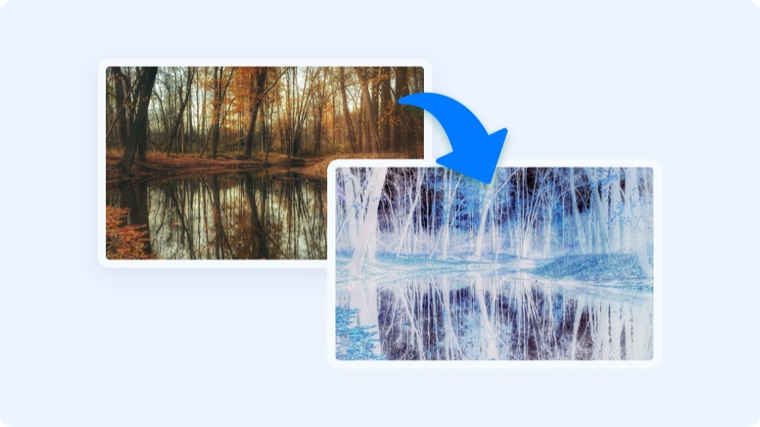
Flip every color in an image to its opposite — handy for dark-mode assets and quick negatives. Runs entirely in your browser.
Free Tool
Flip every color in an image to its opposite — handy for dark-mode assets and quick negatives. Runs entirely in your browser.
Join 5M+ users who rely on Zight to increase their productivity
Free Image Tool
Drag your image here or click to browse
PNG, JPG, WebP, or GIF images
Is this tool working for you? Let us know
How It Works
01
Upload an Image
Drop in any image — screenshots and diagrams work great.
02
Instant Inversion
Every color flips to its opposite the moment the image loads.
03
Download
Download the inverted image as a PNG.
Why Invert
Inverting turns a light-mode screenshot into a dark-mode one, creates photo negatives, and makes diagrams readable on dark slides.
FAQ
Yes, completely free. No account or credit card is required.
No. This tool runs entirely in your browser — your files are processed on your own device and never uploaded to a server.
Transparent areas stay transparent — only visible pixels are inverted.
It's a fast approximation. Real dark-mode design adjusts colors individually, but inversion is often good enough for slides and previews.
No account needed. Images never leave your browser.