Guides
How to Convert Images to Black and White Using Zight
Need to turn a photo into black and white? Zight’s free online converter makes it simple. Just upload your image, customize with overlays and opacity, and export your black and white file in seconds.
1
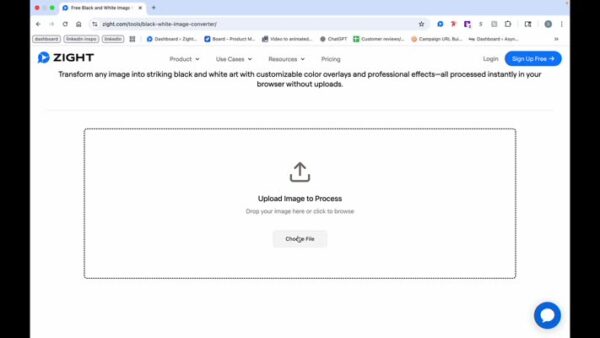
Choose an Image
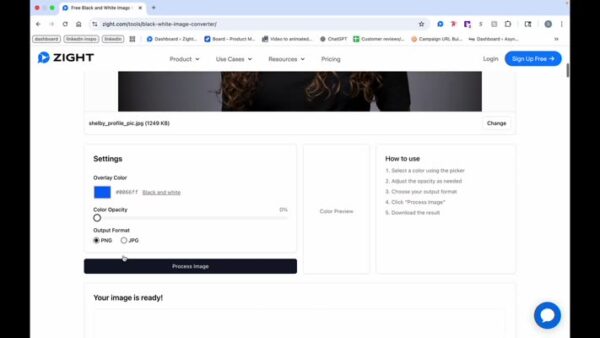
- Choose a file or drag and drop your image
2
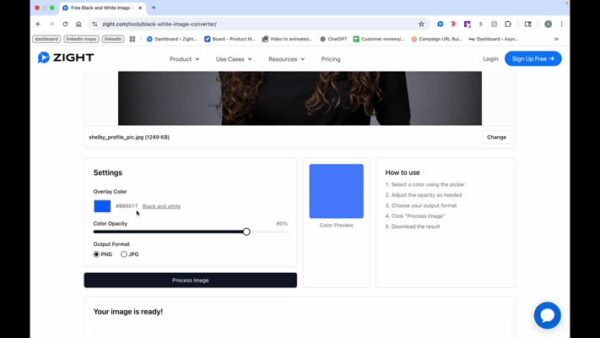
Choose Overlay or Black and White
- Use an overlay color or choose black and white for your image.
3
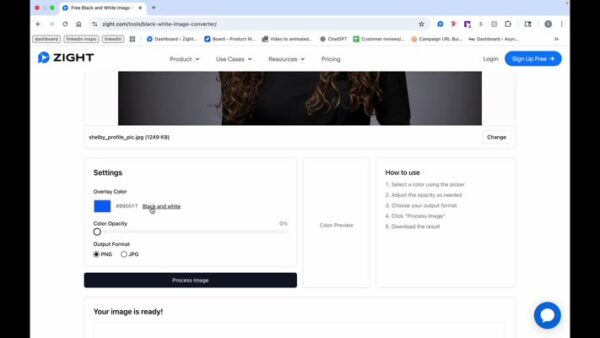
Adjust Opacity
- Choose the opacity level for your image.
4
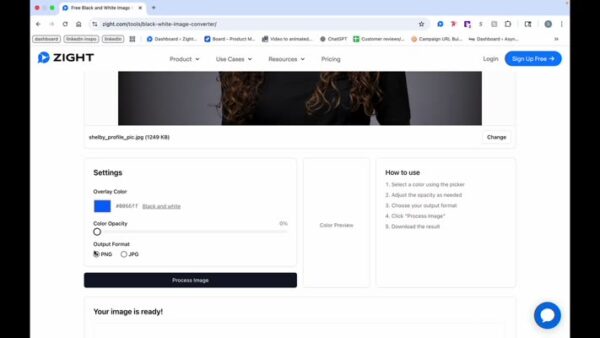
Choose Output Format
- Select your output format, either PNG or JPEG.
5
Process Image
- Click on process image, and it’s that quick.
6
Download Image
- Click on download to save your image.

7
Explore Color Opacity
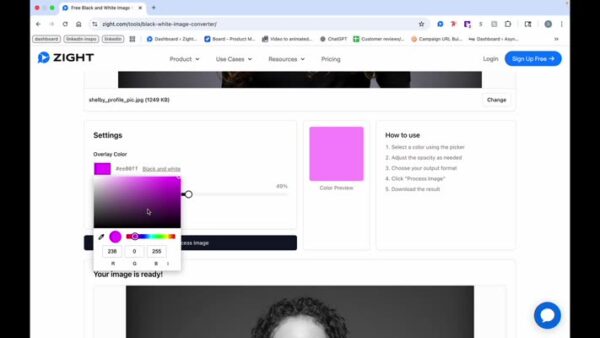
- To see what the color opacity would look like, change it to a color like pink.
- Process the image again to apply the color overlay.
8
Final Result
- There you go, the image now has a color overlay.