Guides
How to Create Custom, Trackable Links with Zight
Learn how to create trackable links with Zight to shorten URLs, personalize paths, and monitor click analytics.
1
Paste the URL You Wish to Customize and Track
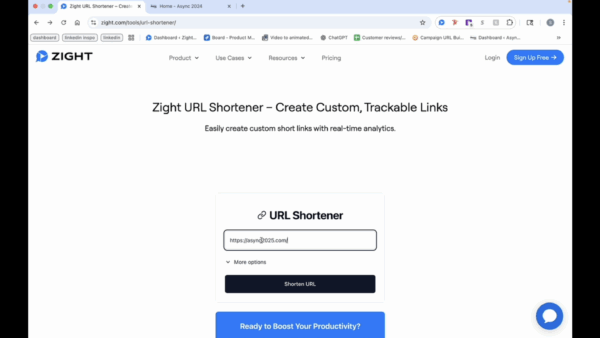
- Start by locating the URL you wish to track and copy it.
- Return to the Zight page and paste the URL into the designated field.
2
Customize the Path
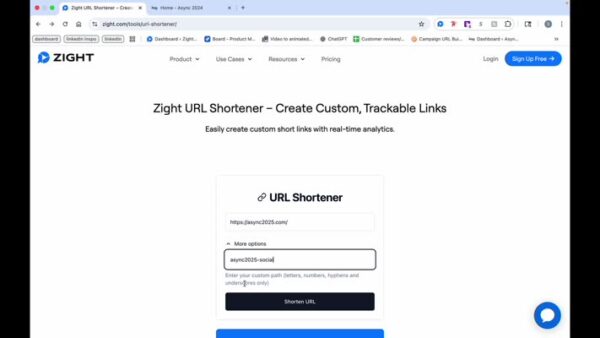
- Choose to shorten the URL or click on “more options” to create a custom path. For example, use “social” if posting on social media.
3
Shorten the URL
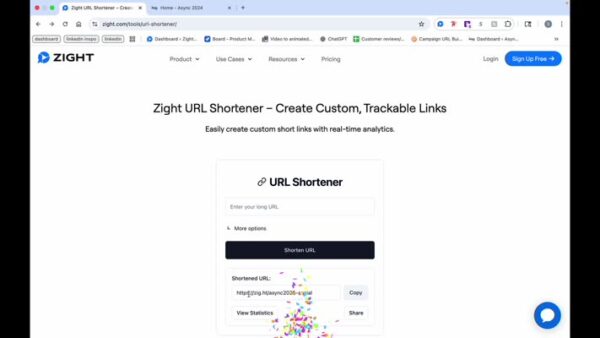
- Once shortened, you can copy the link, share it, or view statistics.
4
Monitor Analytics
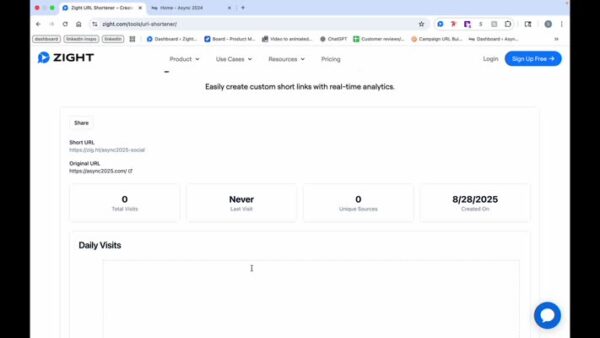
- As people start clicking the link, you can view total visits, last visit, unique source, and creation date for analytics.