Guides
Creating UTM with Google Analytics Tool
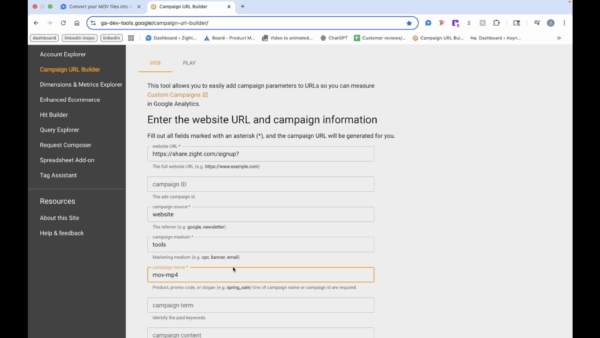
This step-by-step guide shows you how to create a UTM link with Google Analytics Campaign URL Builder. Learn how to set the source, medium, and campaign name to keep your tracking organized and accurate.
1
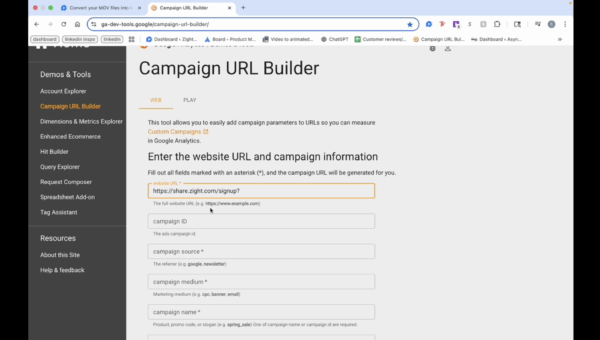
Access Google Analytics Campaign URL Builder
- Enter the URL of the website where you want the button to direct users.
2
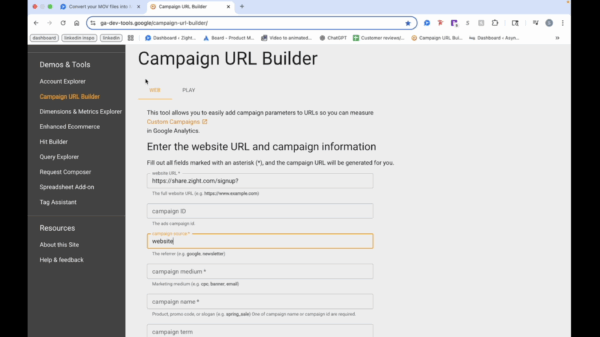
Specify the Source
- Enter ‘website’ as the source since users are coming from the Zight website.
3
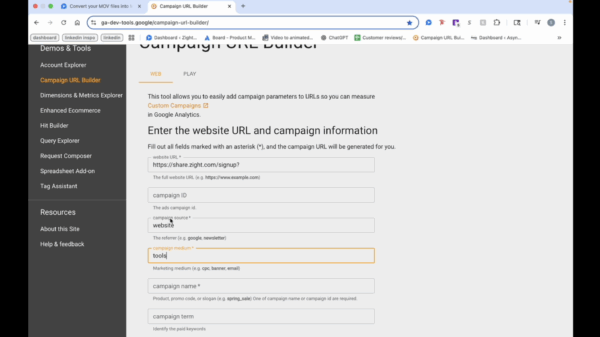
Define the Medium
- For medium, enter ‘tools’ because users access it from the tools tab.
4
Name the Campaign
- Name the campaign ‘MOV to MP4’ for organization.
5
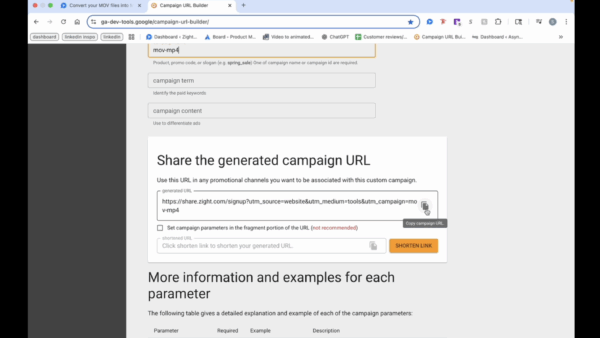
Copy the Campaign URL
- Click on the copy campaign URL icon to copy it to your clipboard.