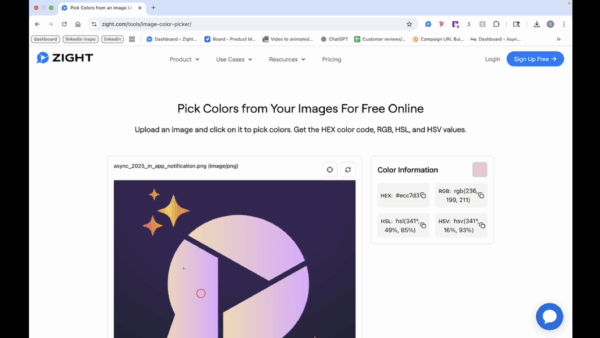
Guides
How to Extract the Color Code Using Zight’s Free Tool
This quick guide shows you how to extract the exact color code from any image using Zight’s free color picker tool .
1
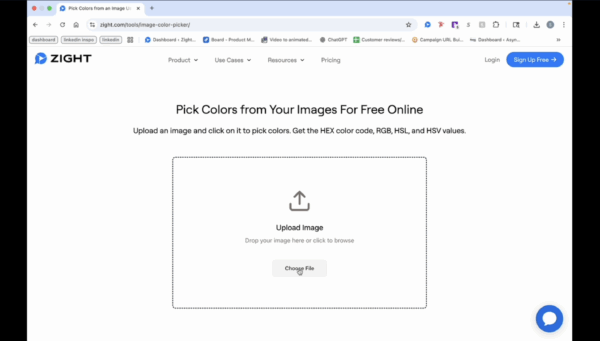
Upload Your Image
- Click on “choose file” or drag and drop your image into the designated area.
2
Select a Color
- Click on the area with the color you want to analyze.
3
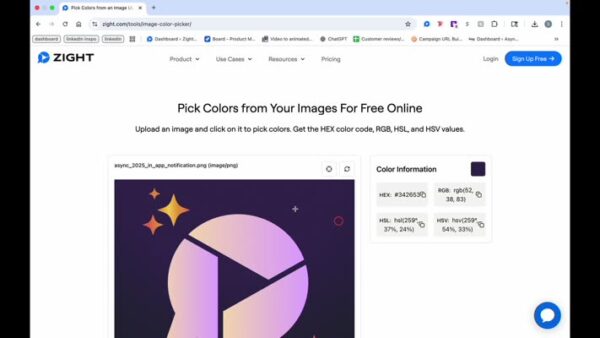
Change Color Selection
- If needed, click on a different area to change the color information.