Free Tool
Convert HEIC
to JPG for Free.
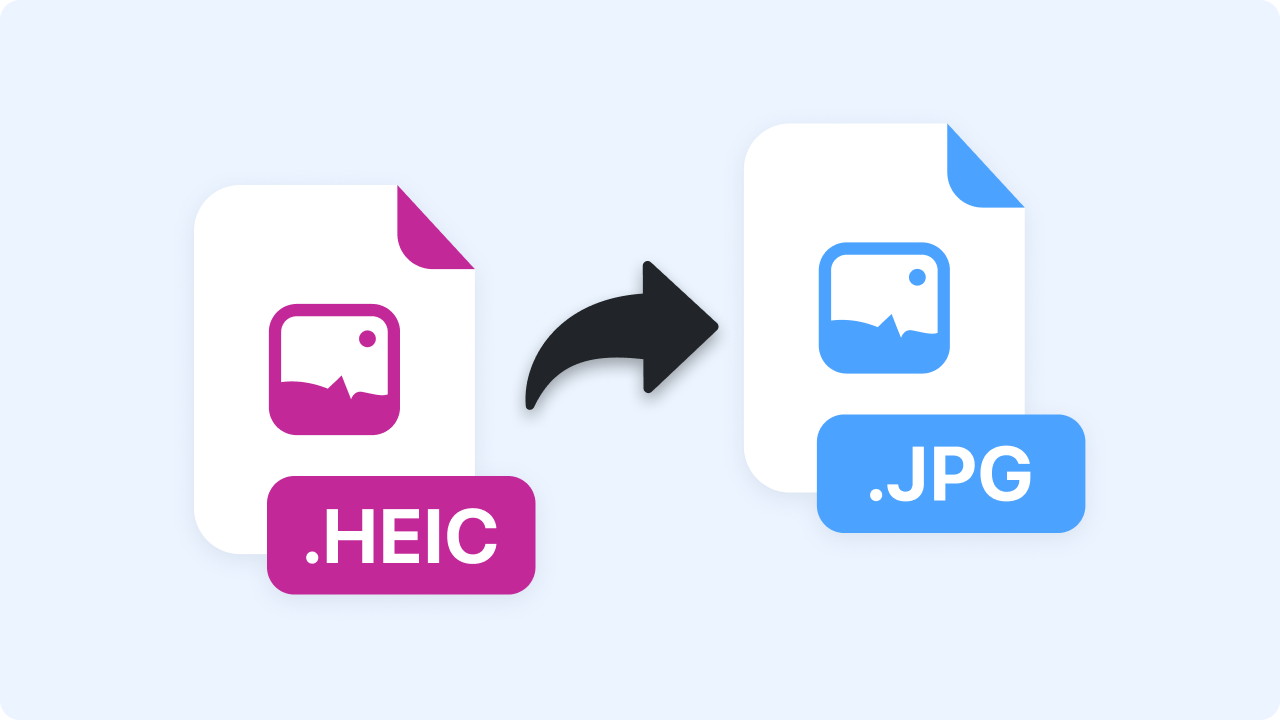
Drop in a HEIC image and download it as a JPG instantly. Everything happens in your browser — your images are never uploaded.
Free Tool
Drop in a HEIC image and download it as a JPG instantly. Everything happens in your browser — your images are never uploaded.
Join 5M+ users who rely on Zight to increase their productivity
Free Converter
Drag your image here or click to browse
HEIC images
Is this tool working for you? Let us know
How It Works
01
Upload HEIC Image
Select a HEIC image from your device, or drag it into the box above.
02
Instant Conversion
Your image is decoded and re-encoded right in the browser — no waiting on a server.
03
Download JPG
Preview the result and download your JPG with one click.
Image Quality
iPhones save photos as HEIC, which many apps and websites reject. JPG opens everywhere — convert before you upload or share.
FAQ
Yes, completely free. No account or credit card is required.
No. This tool runs entirely in your browser — your files are processed on your own device and never uploaded to a server.
JPG is a compressed format, but the converter uses a high quality setting — the difference is invisible for photos and screenshots.
iPhones save photos as HEIC, which many apps and websites reject. JPG opens everywhere — convert before you upload or share.
No account needed. Images never leave your browser.