Guides
Convert Videos to GIFs for Free Using Zight
This guide walks you through how to convert videos to GIFs for free using Zight’s online tool. It’s fast, simple, and requires no signup. Try it here .
1
Access the Zight Website
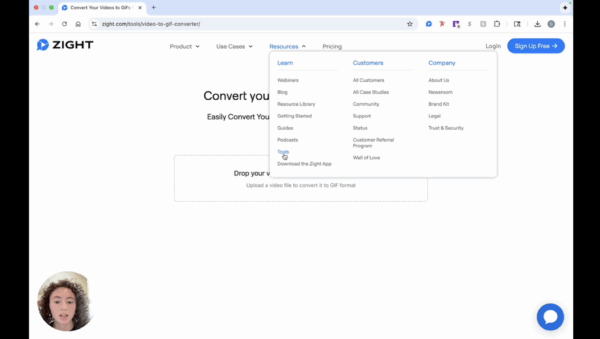
- Visit the Zight website and navigate to the ‘Resources’ section under ‘Learn’. Click on ‘Tools’ to view the available free tools.
2
Upload Your Video
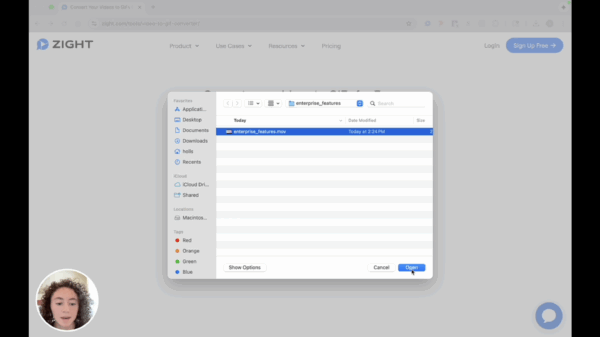
- Click on the designated area to upload your video or simply drag and drop your video file that you wish to convert.
3
Start the Conversion Process
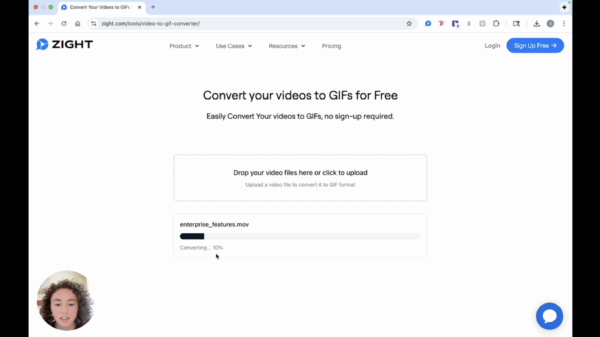
- Once your video is uploaded, the conversion process to a GIF will begin automatically. No signup is required to use this tool.
4
Download the Converted GIF
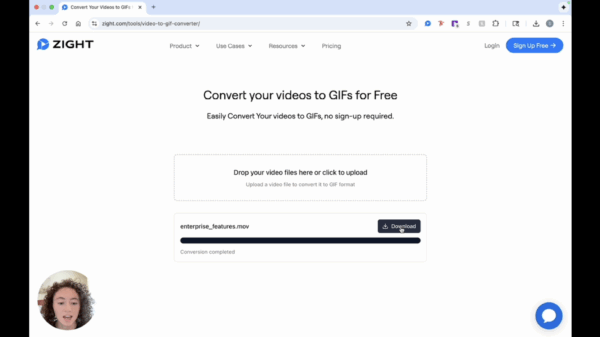
- After a quick conversion, click on the ‘Download’ button to save your newly created GIF.