Guides
How to Blur Images
Learn how to blur images online in just a few clicks using Zight’s free image blurring tool Upload, adjust, and download your blurred image instantly, no design skills required.
1
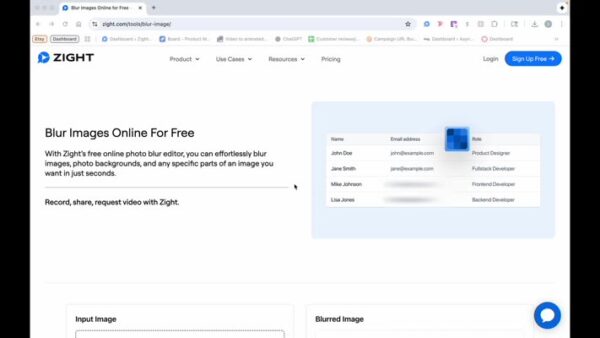
Open Zight’s Free Online Tool
- Navigate to Zight’s online tool to begin blurring your image.
2
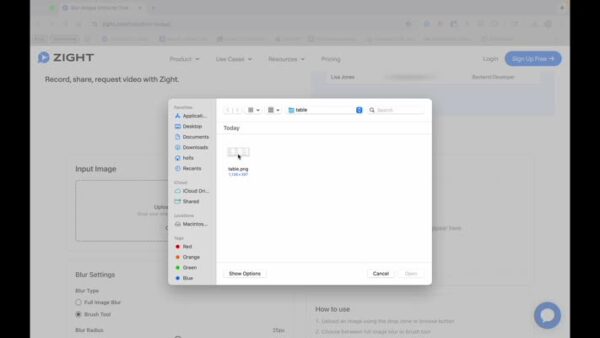
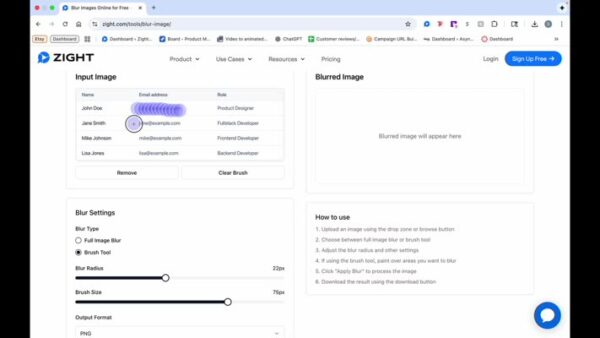
Upload the Image
- For demonstration, a table with fake information will be used.
3
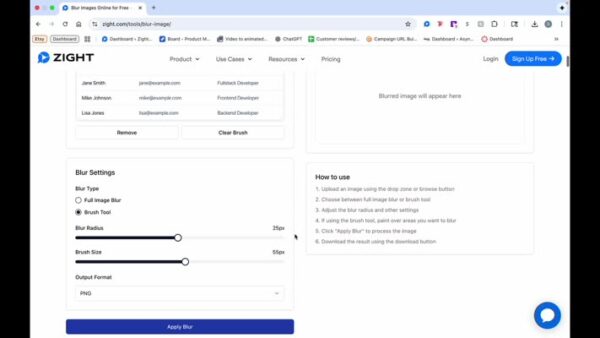
Choose Blurring Options
- Decide whether to blur the full image or use the brush tool for specific areas.
4
Blur the Image
- Modify your blur radius or brush size as needed.
5
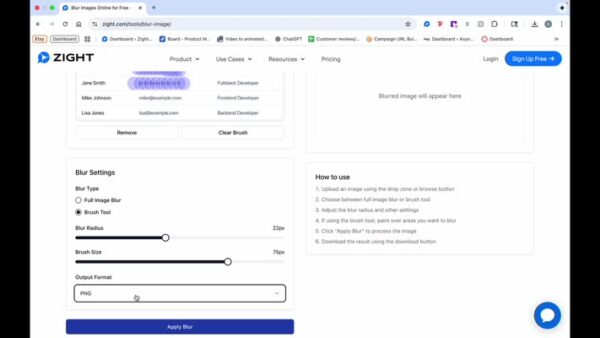
Choose Output Format
- Select your preferred output format, such as PNG.
6
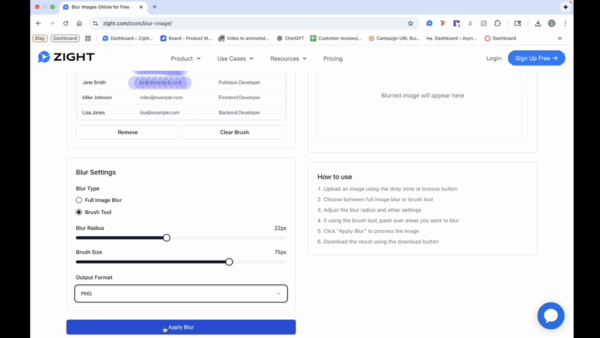
Apply the Blur Effect
- Click on ‘Apply Blur’ to process the image.
7
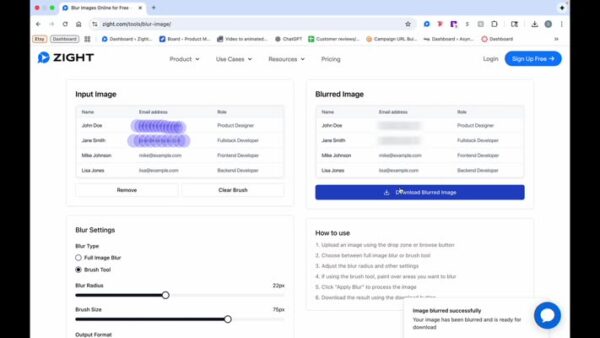
Download the Image
- Click to download the blurred image to your computer.