Guides
How to Create a JIRA Ticket
Creating tickets in JIRA is a core part of managing tasks and tracking progress in any project. This step-by-step guide shows you how to create a JIRA ticket by selecting the right project and work type, assigning team members, and adding important details. Whether you’re logging a new task, bug, or feature request, this walkthrough will help you get it done quickly and accurately.
1
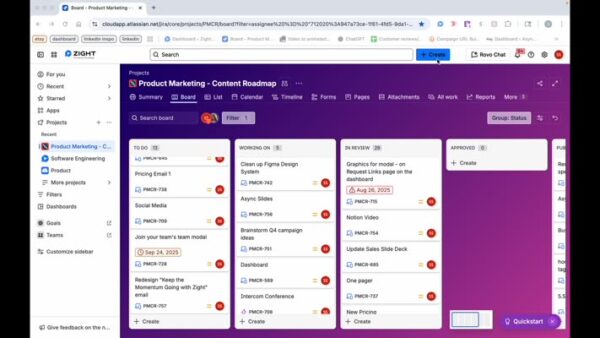
Click on + Create
2
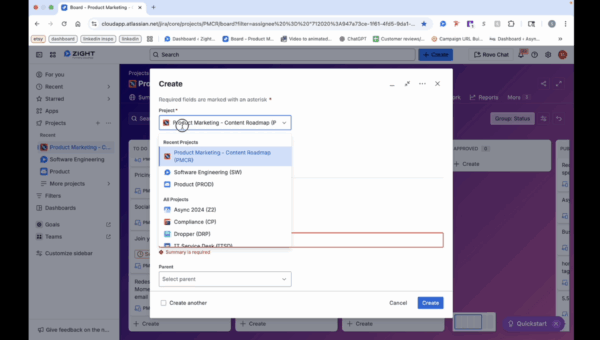
Select the Project
3
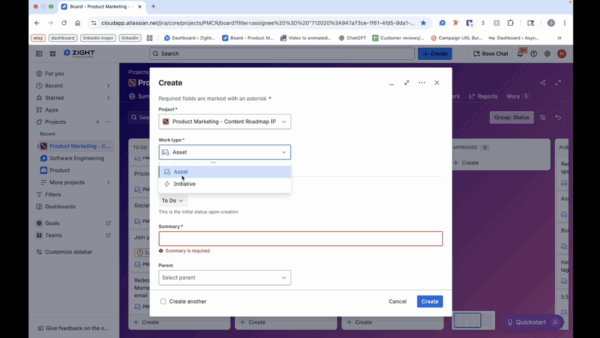
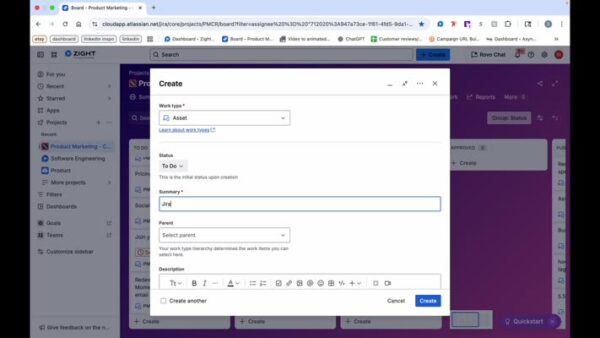
Choose Work Type
- For work type, you can either choose asset or initiative.
4
Enter Summary
- Summary also means the title of the ticket.
5
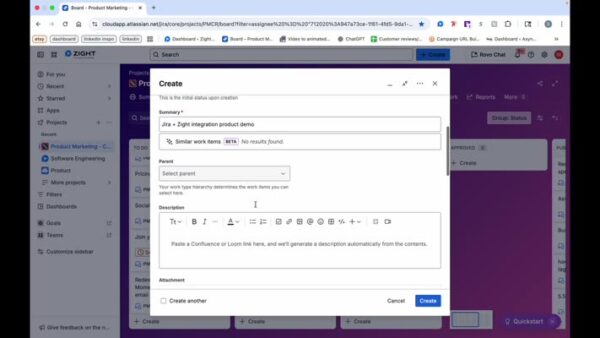
Select Parent and Add Description (If Applicable)
6
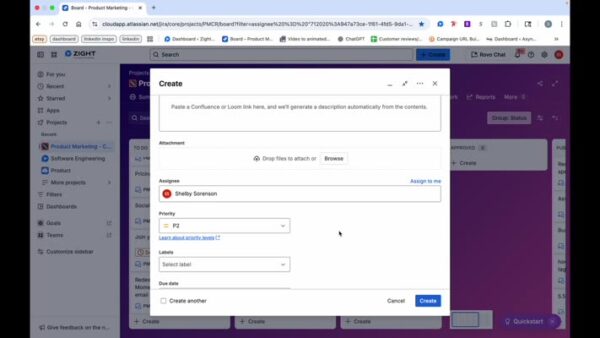
Select an Assignee
7
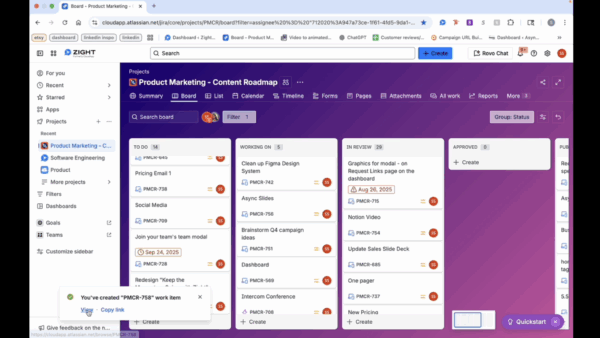
Ticket Creation Confirmation