Guides
How to Share Large Files with Zight
Quickly share large files with Zight in just a few clicks. This guide shows you how to upload your file, generate a shareable link, and send it to platforms like Canvas or via email.
1
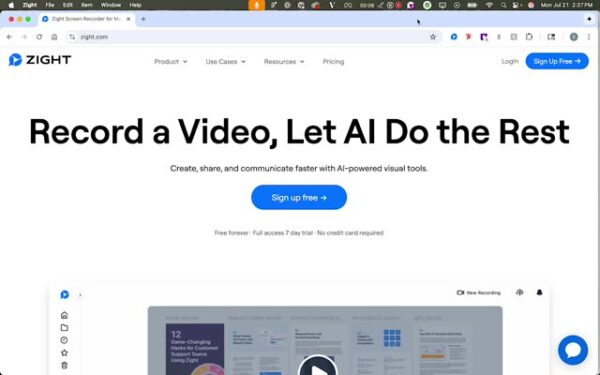
Access Zight
- Go to the top of your screen and click on the Zight Icon.
2
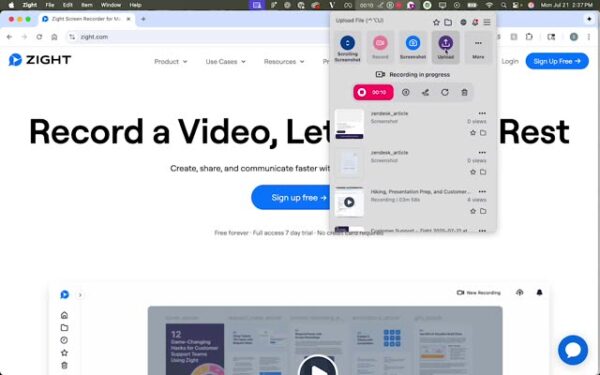
Initiate Upload
- Click on the upload option. If it’s not visible, check the more section.
3
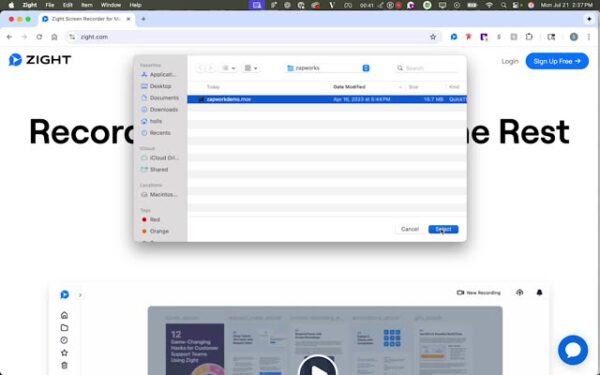
Select Your File
- Choose the file you want to upload.
4
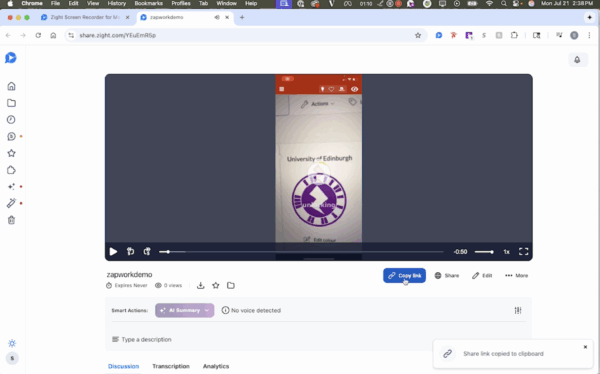
View and Share
- Copy the link to upload to platforms like Canvas or share via email.