Guides
How to Insert a GIF into a Google Doc
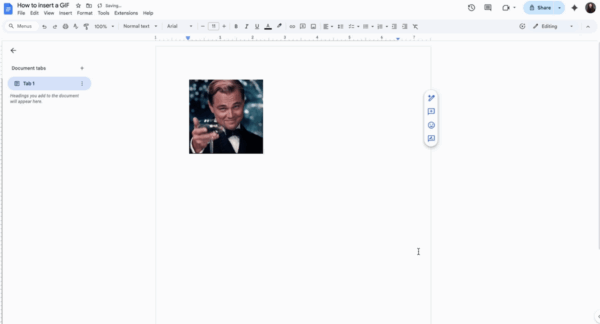
Follow these quick steps to add a GIF to your Google Doc. Keep your documents more engaging and dynamic by uploading animated images directly from your computer.
1
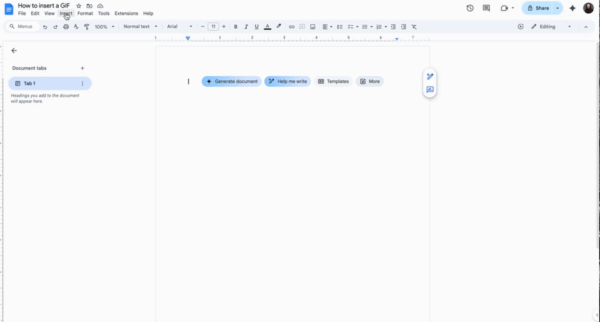
Go to the top menu of your Google Doc and click on “Insert”.
2
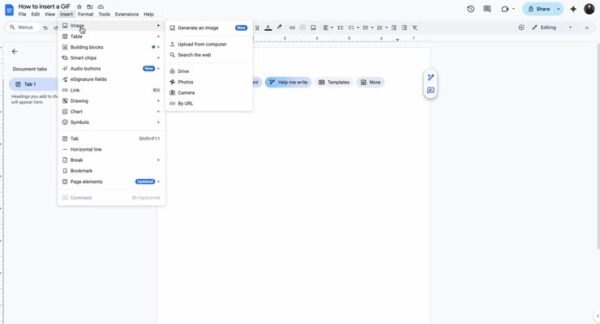
Navigate down to “Image” and select “Upload from computer”.
3
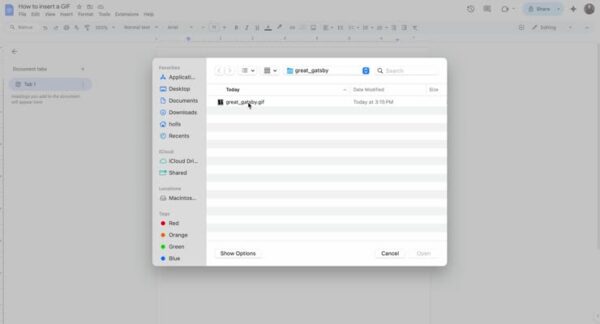
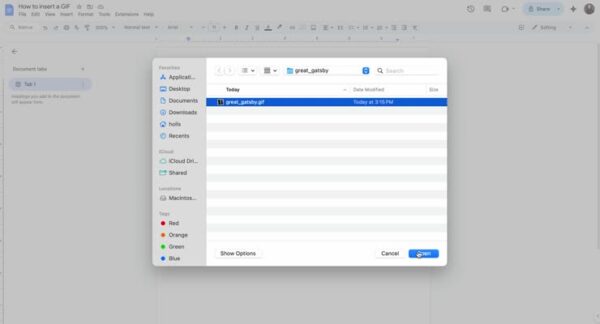
Locate the GIF file on your computer. Ensure it is saved and select it.
4
Click on “Open” to insert the GIF into your document.
5
Watch Your GIF