Free Tool
Merge Images
Online for Free.
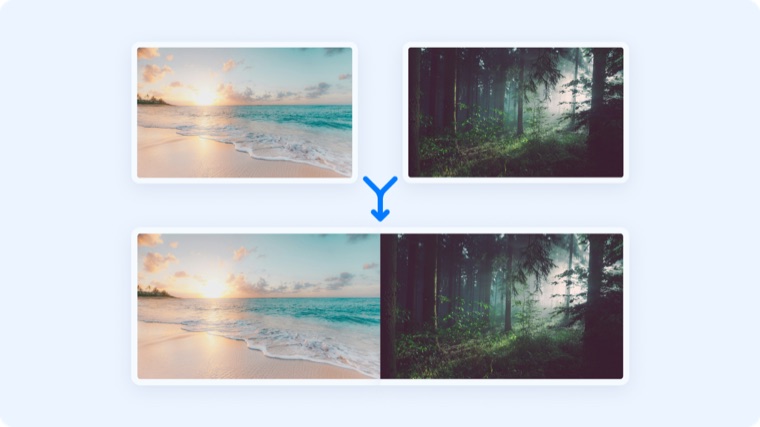
Combine multiple images into one — side by side or stacked. Merged in your browser, never uploaded.
Free Tool
Combine multiple images into one — side by side or stacked. Merged in your browser, never uploaded.
Join 5M+ users who rely on Zight to increase their productivity
Free Image Tool
Drag two or more images here, or click to browse
Add images one at a time or all at once
Is this tool working for you? Let us know
How It Works
01
Upload an Image
Drop in two or more images — add more at any time.
02
Pick a Direction
Choose side-by-side or stacked; images are scaled to line up cleanly.
03
Download
Download the combined image as a single PNG.
One Image
Comparisons land better in a single image — before/after shots, design options, step sequences. Merge them and share one file.
FAQ
Yes, completely free. No account or credit card is required.
No. This tool runs entirely in your browser — your files are processed on your own device and never uploaded to a server.
As many as you like — though very wide or tall results get large. Two to five is typical.
Images are scaled to a common height (side-by-side) or width (stacked) so edges line up.
No account needed. Images never leave your browser.