Zight + Microsoft Teams Integration
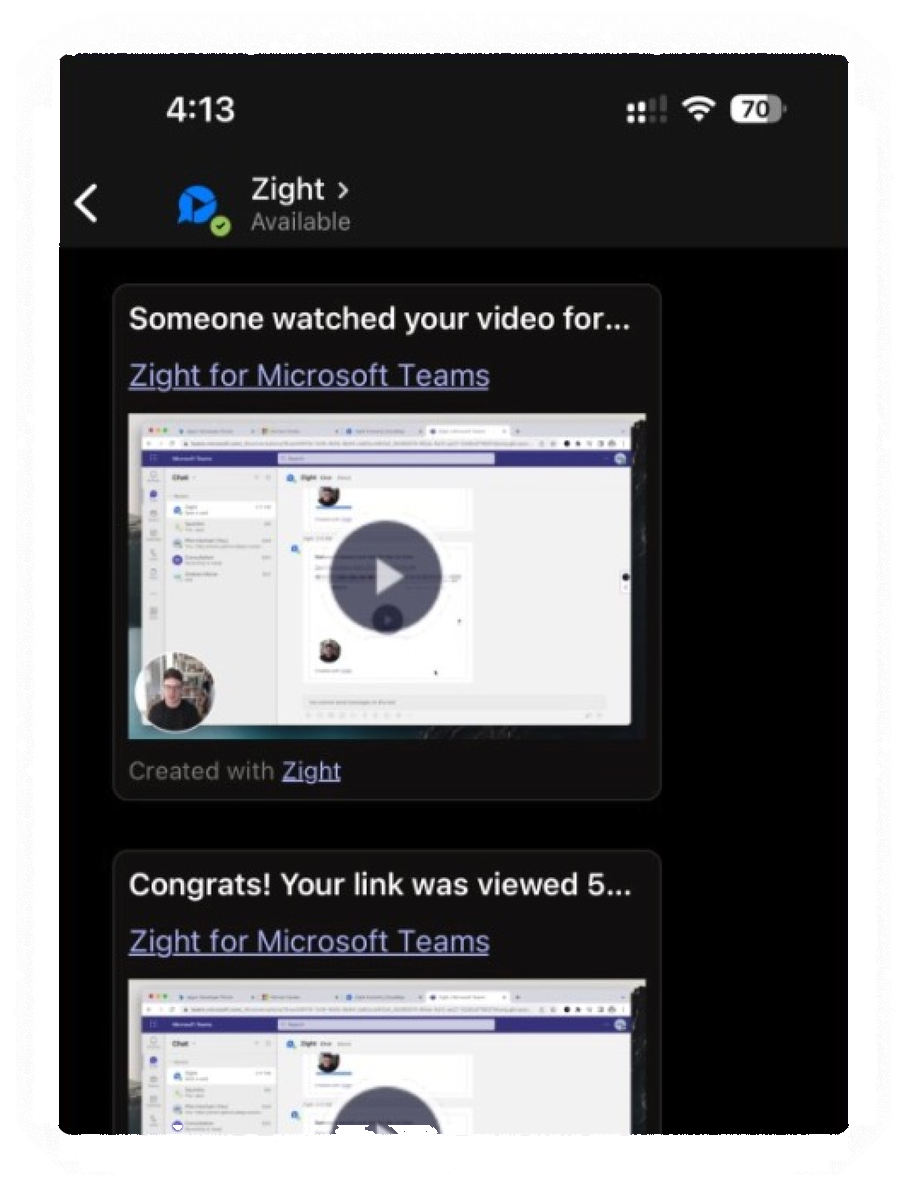
Share a screen recording or annotated screenshot directly in any Microsoft Teams chat or channel. The Zight Teams integration delivers rich previews and view notifications, so visual updates replace another calendar invite.
Join 5M+ users who rely on Zight to increase their productivity
Real Customers
Real quotes from Zight case studies
"Leveraging Zight in our GitHub pull requests and during conversations with our Engineering team saves us about 50 minutes every day!"
"It's better if they can see a video while showing them how to use our software. It just saves so many steps."
"It's always an extra delight when the customer is so impressed that they send you a GIF back or when they call us by name."
"I love Zight Smart Actions! Documenting bug reports that used to take me 5-10 minutes now only take me 30 seconds."
Customer Story
Instead of finding a slot on six calendars, record the update once and share it in Teams. Everyone watches on their own schedule, and Zight notifies you when they do.
Read the case study
Where it earns its keep
Record a walkthrough and drop it in the channel. Teammates watch when they're ready and rewatch when they need a refresher.
Annotated screenshots and recordings show exactly what you mean the first time — no long message threads unpacking a misunderstanding.
View notifications tell you when someone watched your video, so you follow up with the people who need it instead of pinging everyone.
Install Zight in Microsoft Teams and start skipping meetings today.