Free Tool
Extract PDF Text
to Word for Free.
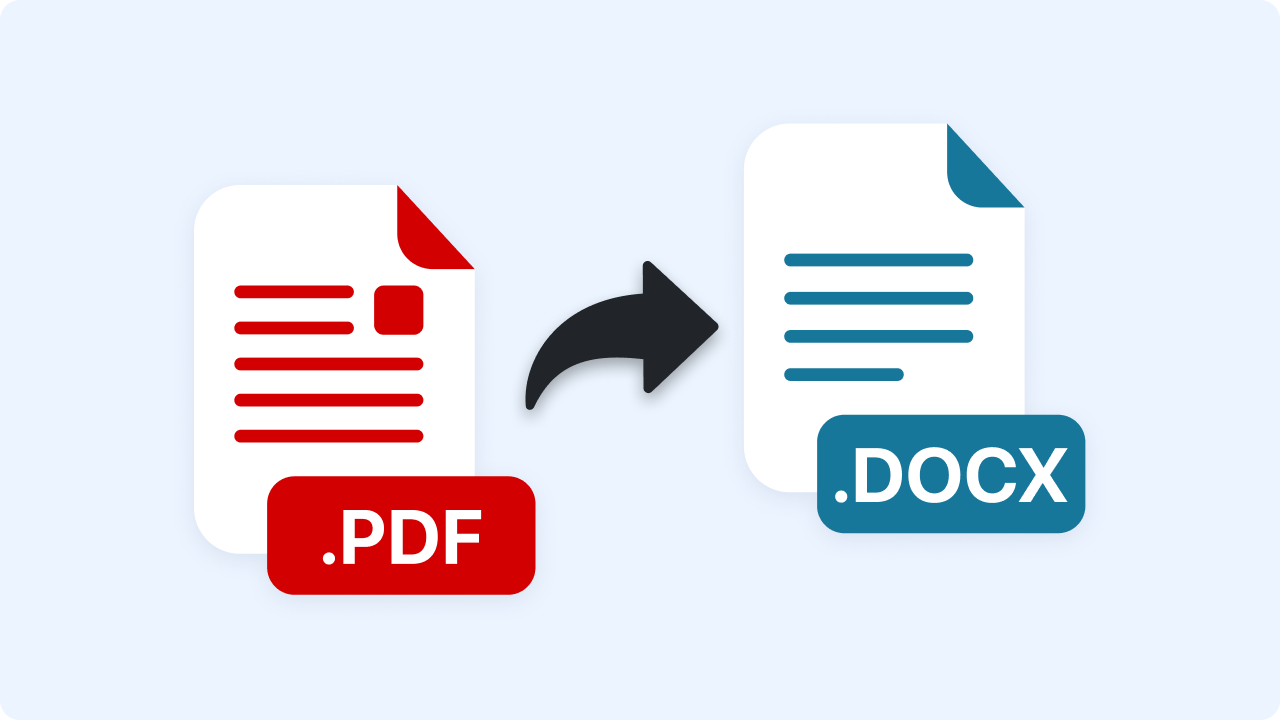
Pull the text out of a PDF into an editable Word document. Processed in your browser — your file is never uploaded.
Free Tool
Pull the text out of a PDF into an editable Word document. Processed in your browser — your file is never uploaded.
Join 5M+ users who rely on Zight to increase their productivity
Free Converter
Drag your PDF here or click to browse
PDFs with real text (not scanned images)
Is this tool working for you? Let us know
How It Works
01
Upload a PDF
Drop in the PDF you need to edit.
02
Text Extraction
Every line of text is read directly from the PDF in your browser.
03
Download .docx
Download an editable Word document with the extracted text, ready to reformat.
Honest Scope
Reconstructing a PDF's exact original formatting into a faithful Word document isn't something a browser can reliably do. This tool focuses on what it can do well: getting every word out of the PDF and into an editable .docx, so you're not retyping from scratch.
FAQ
Yes, completely free. No account or credit card is required.
No. This tool runs entirely in your browser — your files are processed on your own device and never uploaded to a server.
No — this tool extracts the text content, not the original layout, fonts, or images. It's built for getting words out to edit, not for a pixel-perfect Word copy of the PDF.
No — it reads text that's already embedded in the PDF. A scanned PDF (a photo of a page) has no embedded text to extract, so the output will be empty.
No account needed. Files never leave your browser.