Free Tool
Convert PowerPoint
to PDF for Free.
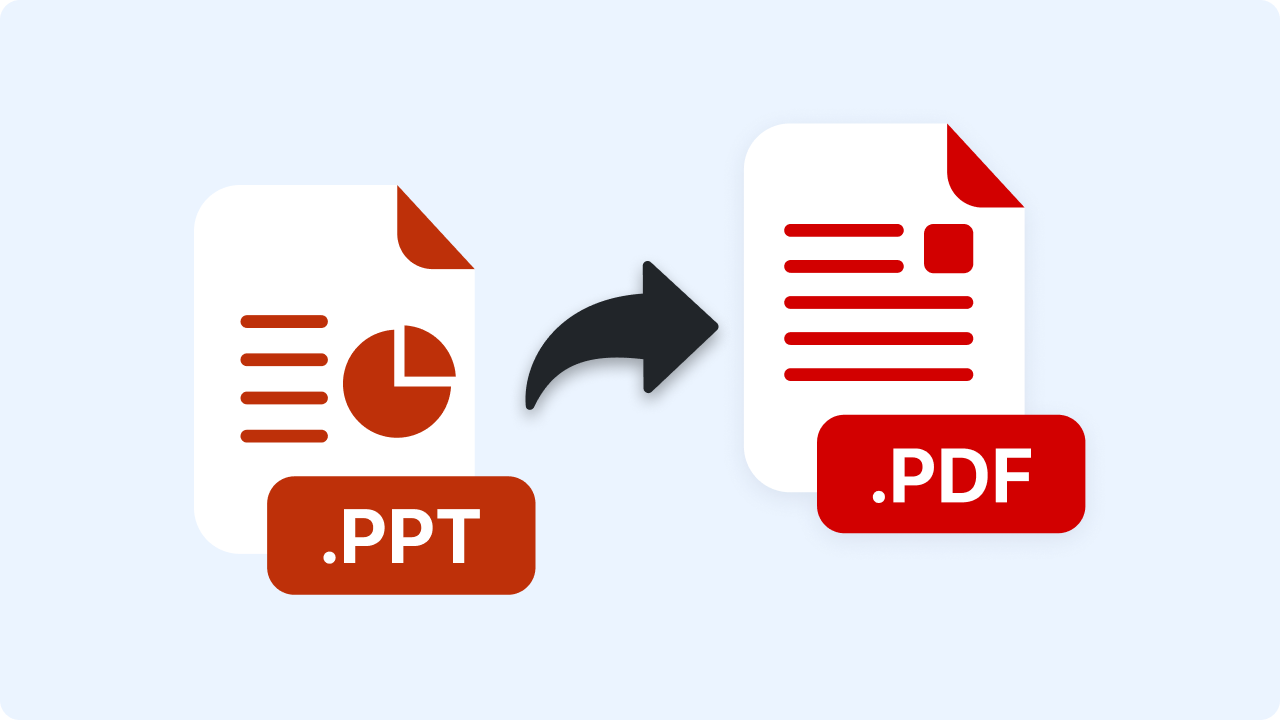
Upload a .pptx deck and get a PDF, one slide per page. Converted in your browser — your file is never uploaded.
Free Tool
Upload a .pptx deck and get a PDF, one slide per page. Converted in your browser — your file is never uploaded.
Join 5M+ users who rely on Zight to increase their productivity
Free Converter
Drag your PowerPoint file here or click to browse
.pptx files (the older .ppt format isn't supported)
Is this tool working for you? Let us know
How It Works
01
Upload a .pptx File
Drop in your deck — slide text, images, and backgrounds are read directly in your browser.
02
Automatic Conversion
Each slide becomes one PDF page, sized to match your deck's aspect ratio.
03
Download PDF
Download a PDF anyone can open, present from, or print — no PowerPoint required.
Slide by Slide
Every slide becomes exactly one PDF page at your deck's original dimensions, with real text (not a picture of text) and images placed where they were on the slide.
FAQ
Yes, completely free. No account or credit card is required.
No. This tool runs entirely in your browser — your files are processed on your own device and never uploaded to a server.
No — only the modern .pptx format. If you have an older .ppt file, open it in PowerPoint and use File → Save As → PowerPoint Presentation (.pptx), then convert.
No — PDF is a static format, so animations, transitions, and embedded video don't translate. Text, images, and basic backgrounds do.
No account needed. Files never leave your browser.