With the best browser for streaming, you can watch live videos effortlessly on any device with no fuss and no plugins required! Head to the website, click the media player link, and dive into an ocean of streaming magic!

The Tech Behind the Best Browser for Streaming
The process requires simple and easy steps. Browser-based technology works through Progressive Rendering, the sequential release of partial web pages from a provider’s server, which then streams content to the viewer.
10 Best Browsers for Streaming
The best browsers for streaming will offer seamless playback, excellent video quality , and compatibility with various streaming platforms. Here are some of the best browsers for streaming video that excel in streaming capabilities:
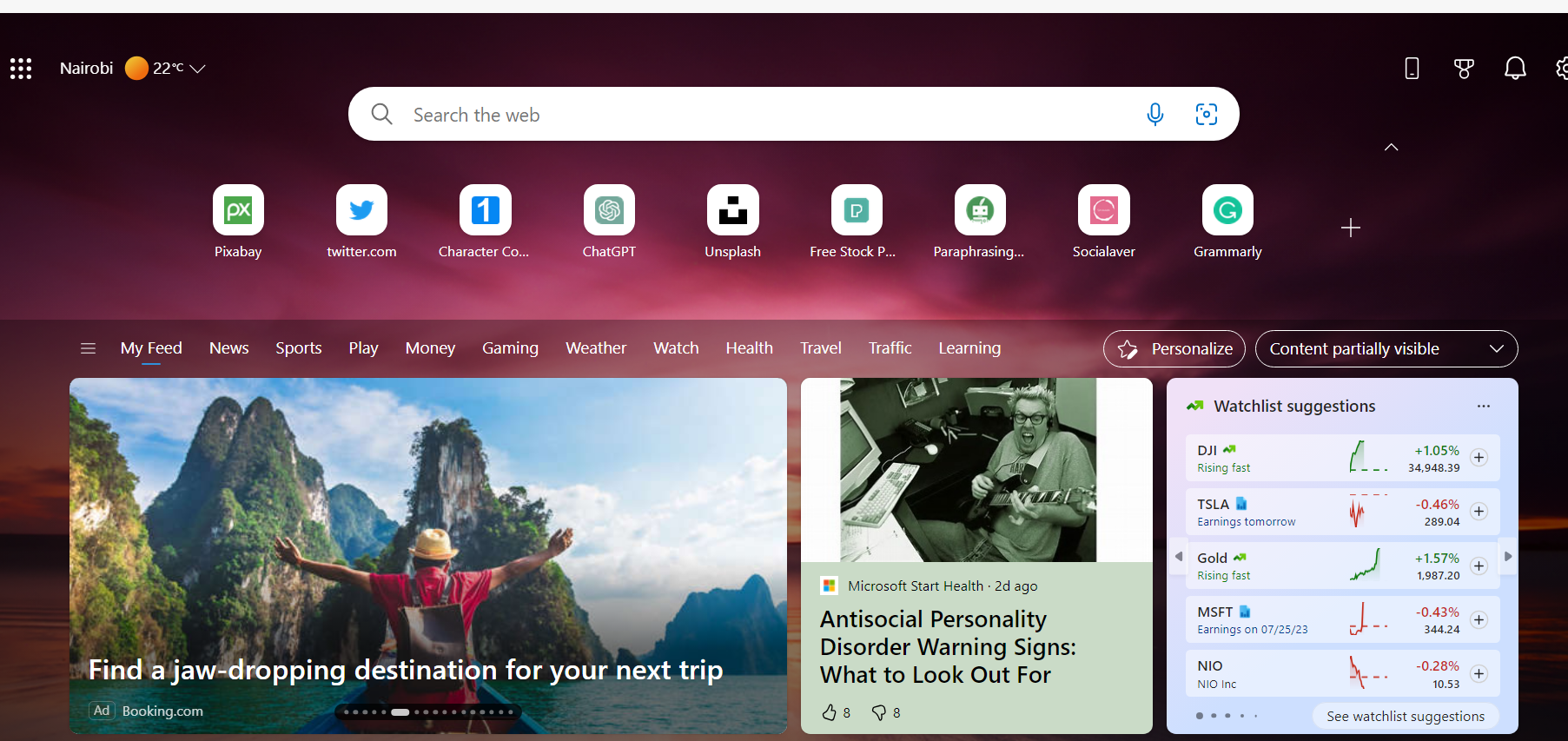
1. Microsoft Edge
Availability (Desktop: Windows, macOS / Mobile: iOS, iPadOS, Android)
- Optimized video playback and smooth performance
- Chromium engine with a new interface
- Includes a built-in PDF viewer
- Supports streaming in 1080p and 4K resolutions
- Reduced resource usage compared to older browsers like Internet Explorer
- The only browser that supports 4K resolution on Netflix, thanks to the PlayReady DRM tech
- Limited extension support compared to competitors like Chrome and Firefox
- It only works for the Windows operating system
2. Google Chrome
Availability (Desktop: Windows, macOS / Mobile: iOS, iPadOS, Android)
- Fast performance and efficient video playback
- Wide compatibility with various streaming platforms and services
- Malicious website identification
- Extensive extension library to enhance the streaming experience
- Supports streaming in 1080p and 4K resolutions
- High resource usage, which may impact performance on older devices
- Limited privacy features compared to some other browsers

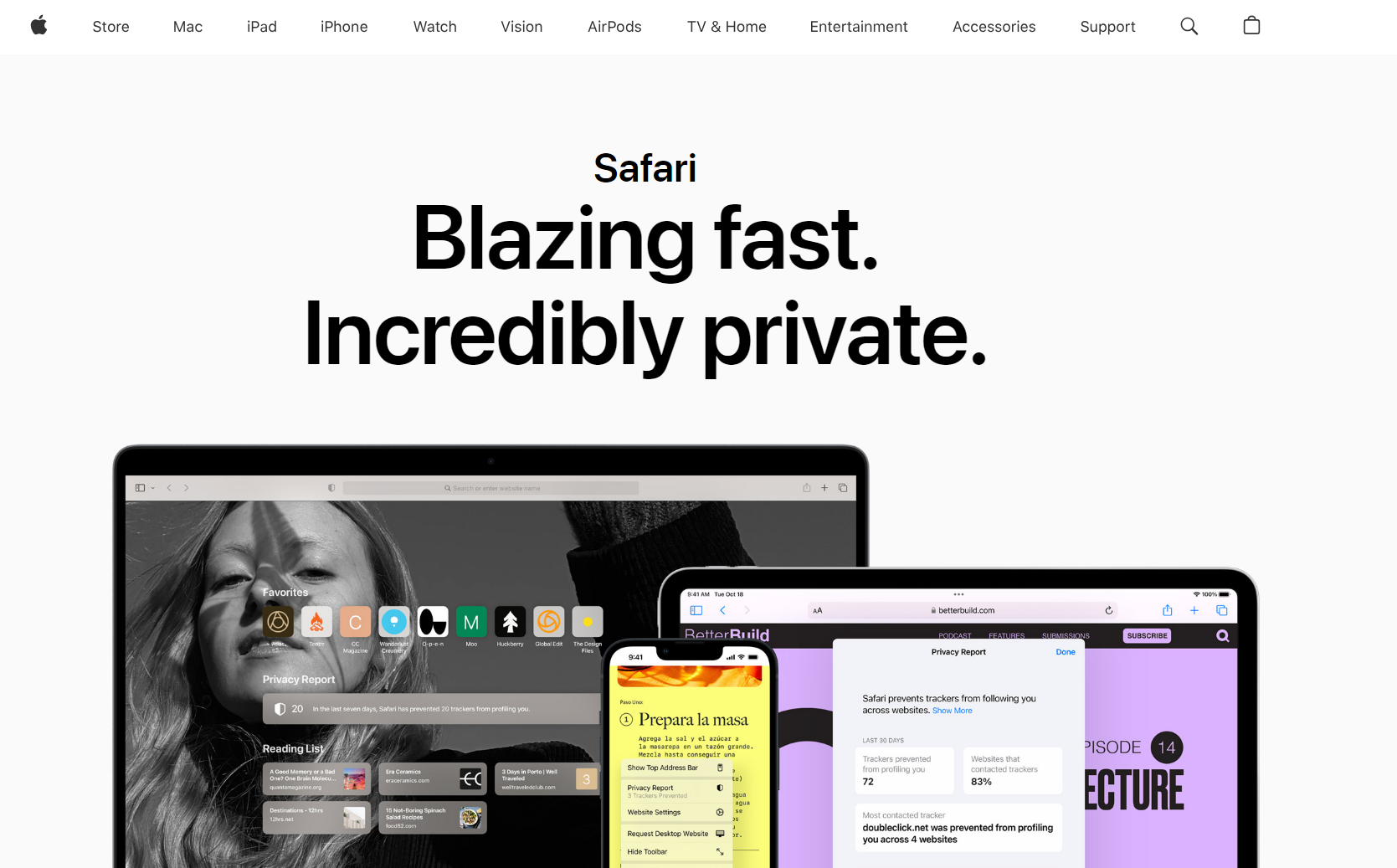
3. Apple Safari
Availability (Windows Desktop: macOS / Mobile: iOS, iPadOS)
- Smooth video playback and optimized performance on macOS and iOS devices.
- It supports streaming in 1080p on various platforms, including streaming Netflix.
- Seamless integration with Apple’s ecosystem for AirPlay and other features.
- Not available on non-Apple devices, limiting accessibility.
- Limited extension support compared to other mainstream browsers
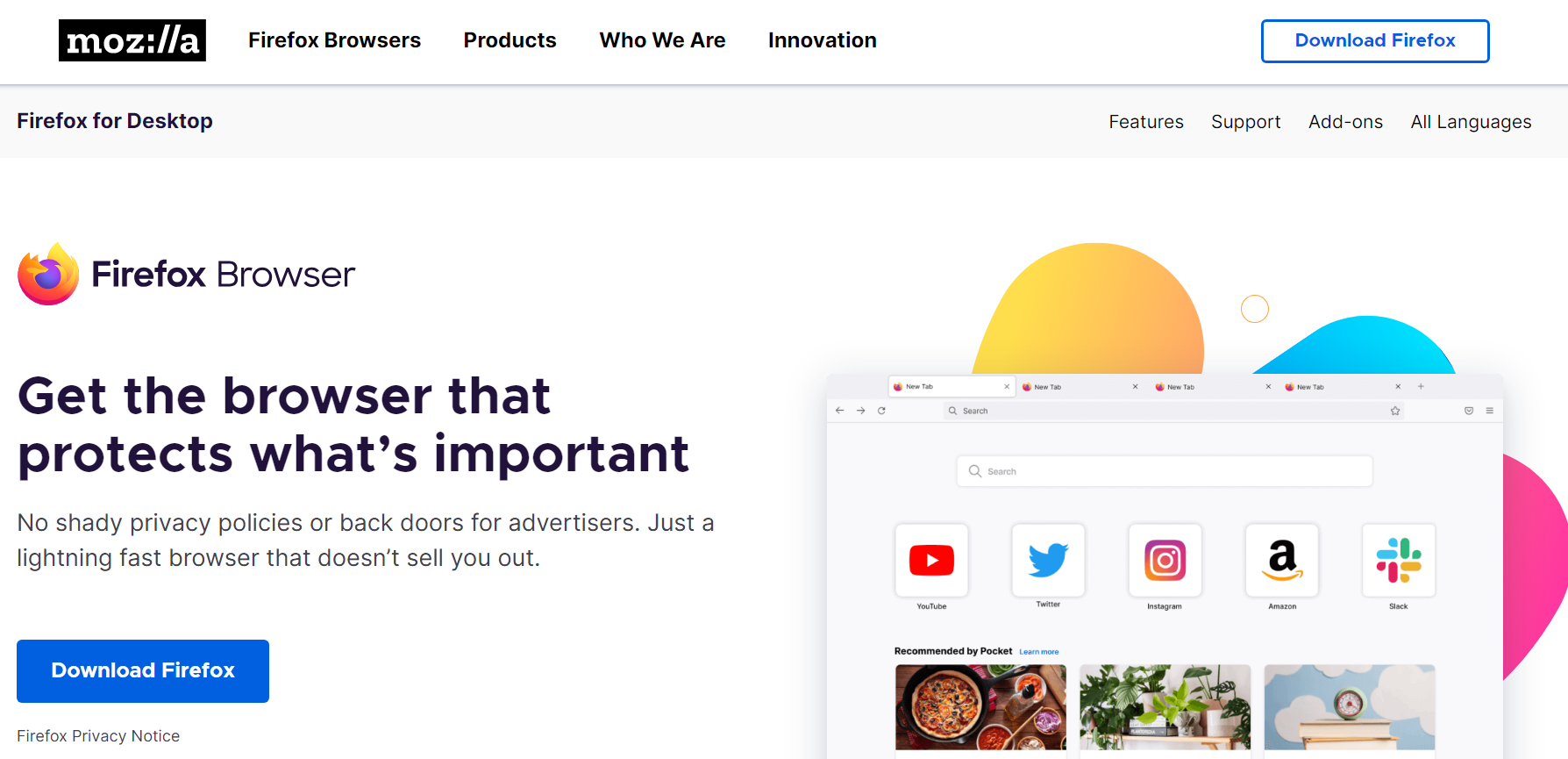
4. Mozilla Firefox
Availability (Desktop: Windows, macOS / Mobile: iOS, iPadOS, Android)
- Efficient performance and smooth video playback
- Strong privacy features and tracking protection for a safer streaming experience
- Support for HTML5 video playback and streaming in 1080p
- It can be memory-intensive, which may affect performance on low-end systems
- Smaller extension library compared to Google Chrome
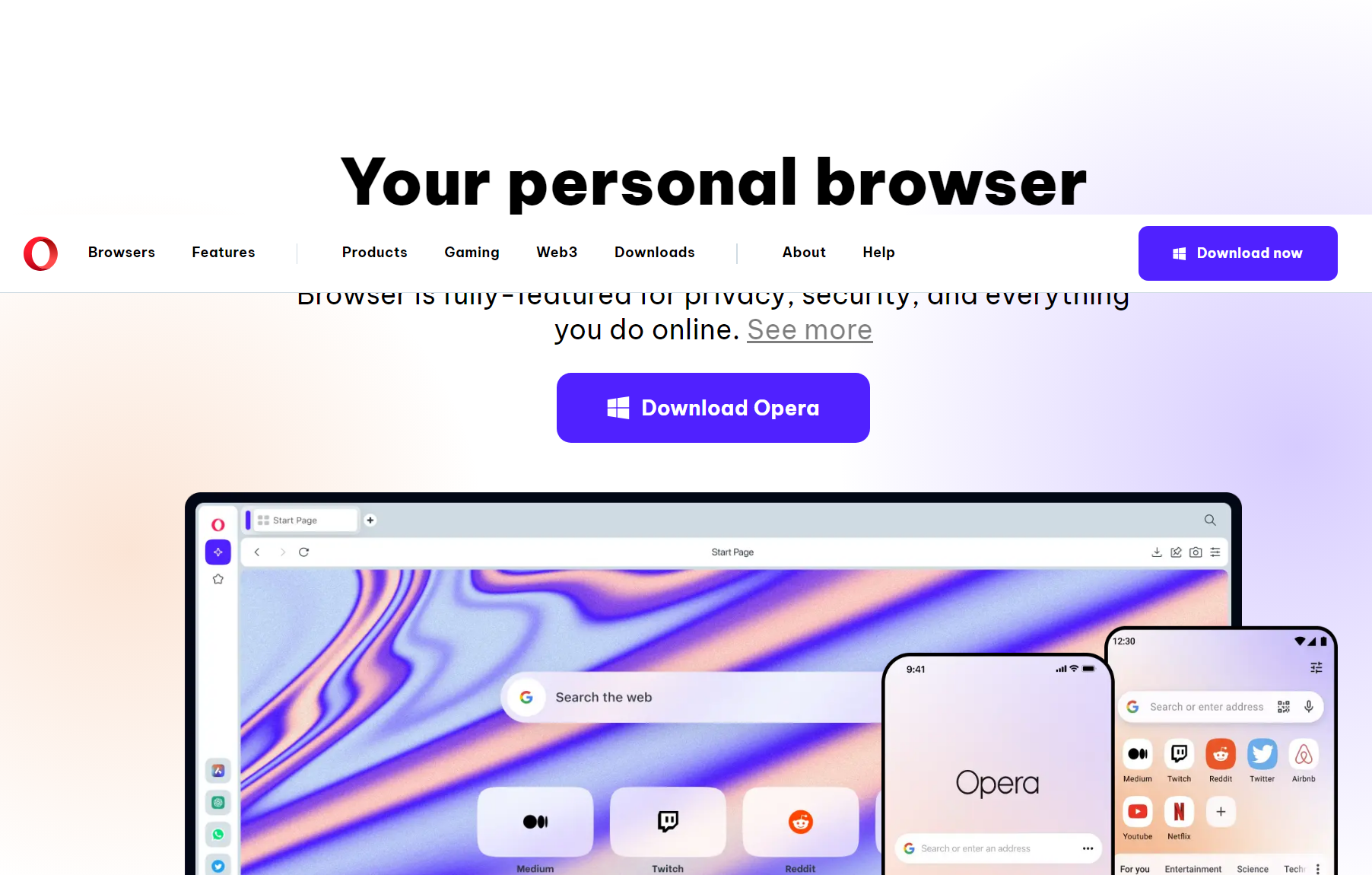
5. Opera Browser
Desktop: Windows, macOS, Linux / Mobile: iOS, iPadOS, Android
- Built-in ad blocker for an uninterrupted streaming experience
- Turbo mode to compress data and enhance streaming on slower connections
- Supports streaming movies on various platforms with efficient video playback
- Occasional compatibility issues with certain websites and streaming platforms
- Smaller user base compared to more established browsers
6. UR Browser
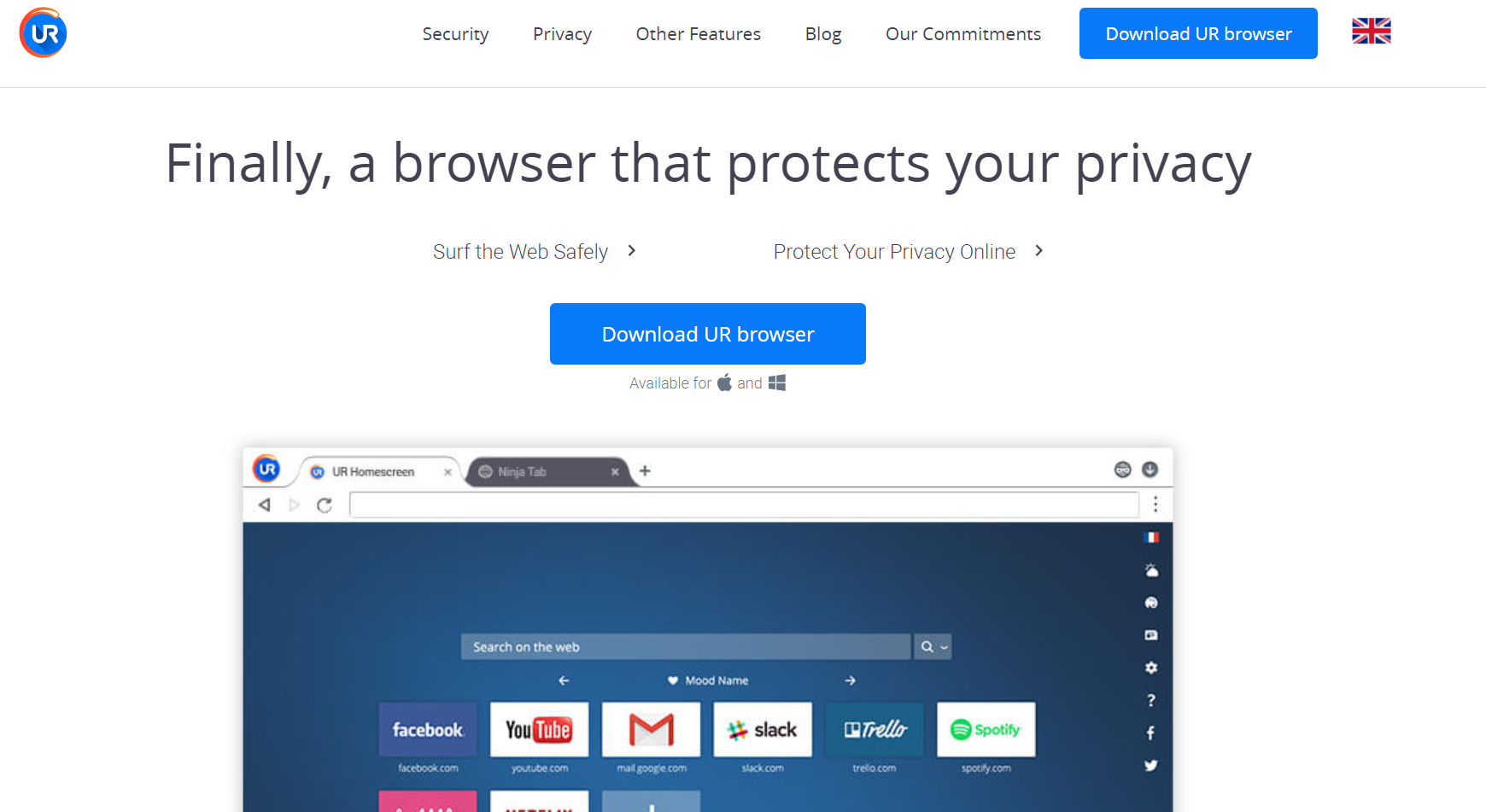
Availability: Desktop: Windows, macOS
- Three levels of privacy and security
- Low impact on system resources
- Great UI
- Low system resource usage
- Customizable with add-ons and extensions
- Limited user base and community support
- Compatibility issues with some sites and services
7. Tor Browser
Availability (Windows, macOS, Linux, Android, Windows 32-bit, Linux)
- High-level privacy and anonymity for secure streaming
- Routes internet traffic through the Tor network, making tracking difficult
- Supports streaming videos with adequate playback performance
- Slower browsing speeds due to the focus on security
- Not ideal for high-quality video streaming or 4K content

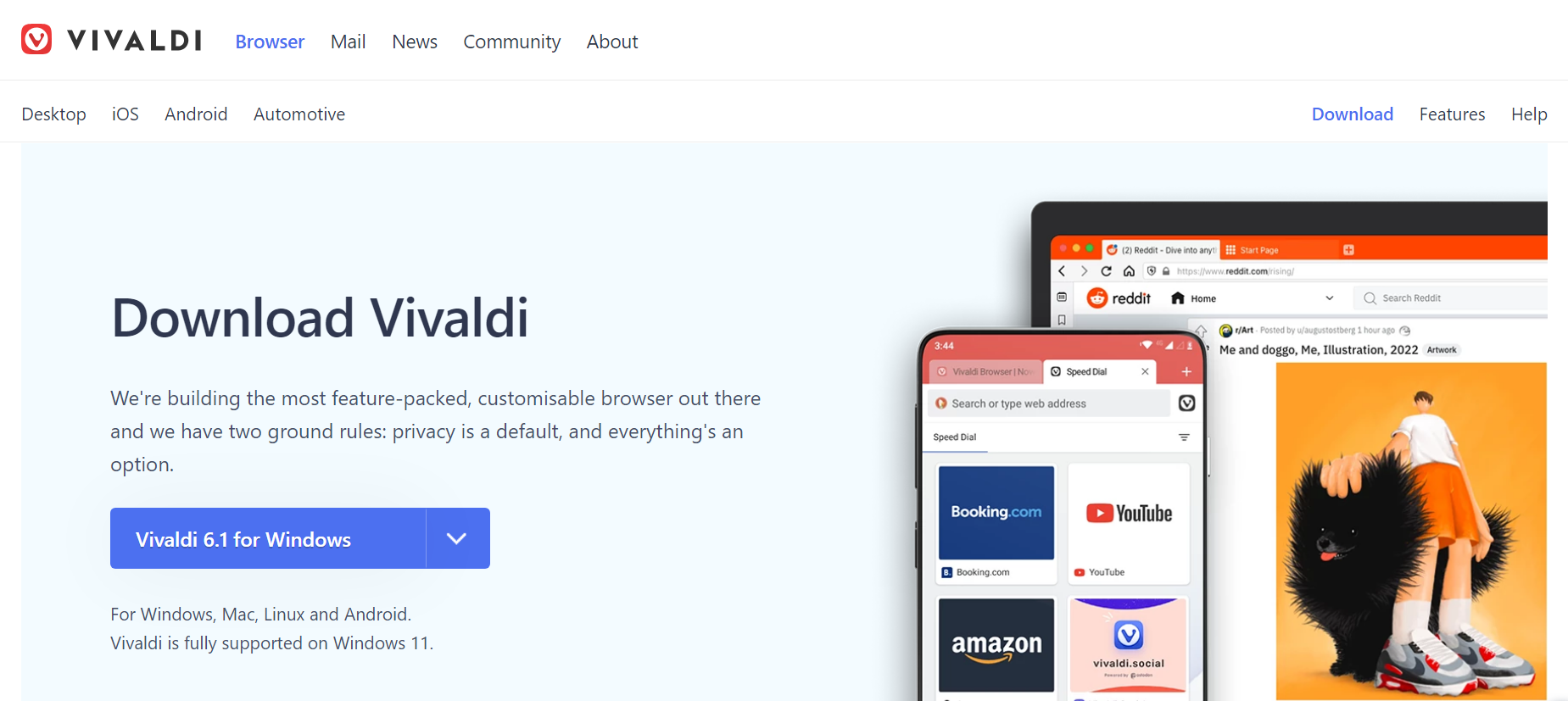
8. Vivaldi Browser
Availability (Desktop, iOS, and Android)
- Extensive customization options for power users
- Picture-in-Picture mode for multitasking while watching videos
- Efficient streaming performance with smooth video playback
- The extensive customization may be overwhelming for some users
- Smaller user base compared to more popular browsers