Zight Guides
Step-by-step guides,
made with Zight
Short, visual walkthroughs for the tools you use every day — captured and annotated with Zight. Pick one below.
Get Zight for FreeTrusted by 5m+ people who would rather show than tell


Create an email signature in Gmail with this easy step-by-step guide. Learn how to add your name, role, logo,…

Learn how to add or change a theme in Google Slides with this step-by-step guide. Customize your…

Convert MP4 to MP3 effortlessly with Zight, delivering high-quality audio that’s easy to share and perfect…

Convert videos to GIFs for free using Zight’s simple online tool. No signup needed, just upload your video,…

Learn how to create UTM parameters with Google Analytics Campaign URL Builder to track source, medium, and…
Use separate customer and agent checklists to prepare a focused screen recording, review evidence safely, and…
Adapt a customer service SOP template for intake, diagnosis, escalation and review. Use the filled example…

Extract text from images on Mac with Zight’s OCR feature. Capture screenshots and copy text from images,…
Download a free SOP template for Word or Google Docs, or copy it as text: purpose, scope, roles, steps and…

Streamline troubleshooting with Zight’s Request Video feature. Create request links, collect logs, and…

Add a custom emoji in Slack with this quick guide. Personalize messages, strengthen your team’s culture, and…

This step-by-step guide shows you how to create, move, duplicate, and delete dividers to keep your pages…
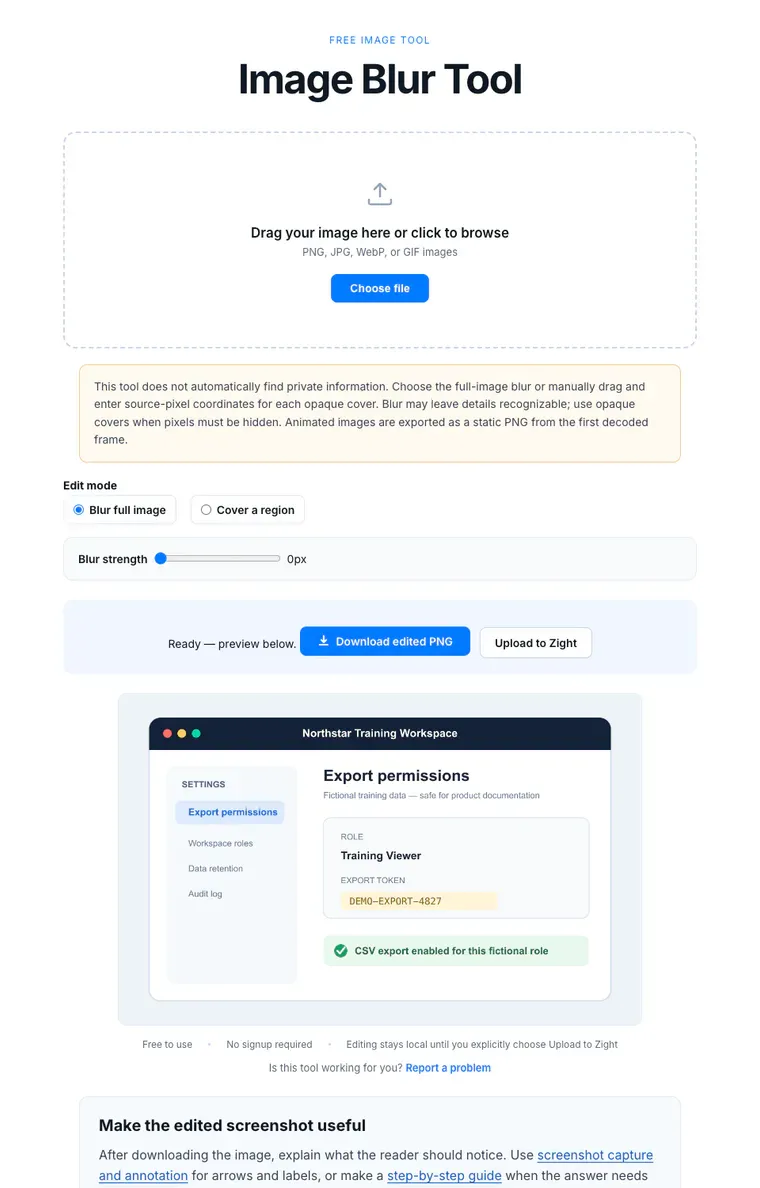
Blur an image with the browser tool, inspect the preview, and reopen the PNG before sharing. Learn what blur…

Change your Zoom background in minutes. Customize your calls with virtual or branded images and create a more…

Convert HEIC to JPEG online in 4 simple steps. Navigate to Zight, upload your file, start the conversion, and…

Convert images to black and white using Zight. Apply overlays, adjust opacity, and download your image in…

Learn how to create a JIRA ticket by selecting a project, adding details, and assigning it to the right team…

Create custom, trackable links with Zight. Shorten URLs, add branded paths, and monitor analytics and measure…

Create a LinkedIn carousel post step-by-step: design slides, merge them into a PDF, and upload to boost reach…

Easily extract a color code from any image using Zight’s free online tool. Upload your image, click a color,…

Learn how to insert a GIF into a Google Doc to make your content more engaging. Upload and display animated…

Record meetings and export notes with Zight to save time and share recaps with your team in just a few clicks.

Learn how to share large files with Zight by uploading your content and generating a quick shareable link.…

Add personality to your Zoom meetings with animated avatars. This guide shows how to choose, apply, and…

Learn how to use Figma slots to create flexible components and how to scale your design system efficiently.

Learn how to use the Zight integration in Slack to record and share screen videos directly in your workspace.…

Invert image colors online with Zight’s free color inverter tool. Upload, preview, and download your inverted…
Build a verified support handoff with a knowledge base article template, a filled export-permission example,…

Make shaken iced coffee while vibe coding with Claude Code. Perfect for creators who want to capture and…

Learn how to organize your browser tabs using Chrome Tab Groups. This step-by-step guide helps you label,…
Review an SOP before approval: test prerequisites, actions, expected results, evidence, exception owners,…

Remove background Adobe Express Figma. Learn how to edit images, replace them in Figma, and export your…
Hand off support issues with the facts, attempted fixes, evidence links, receiving owner and next update.…
Use a support ticket triage checklist to assess impact, collect missing context, assign the next action, and…
No guides match your search.